How to Choose a Campsite Booking System: A Practical Checklist
To choose a campsite booking system, start from how your site actually runs — your pitch types, seasons, deposit rules and the OTAs you use — then shortlist systems that match, see a live demo using your own scenarios, and check the contract for commission on direct bookings before you commit. The right tool fits your site; it should not force you to change how your campsite works.
Step 1: What do you need it to do?
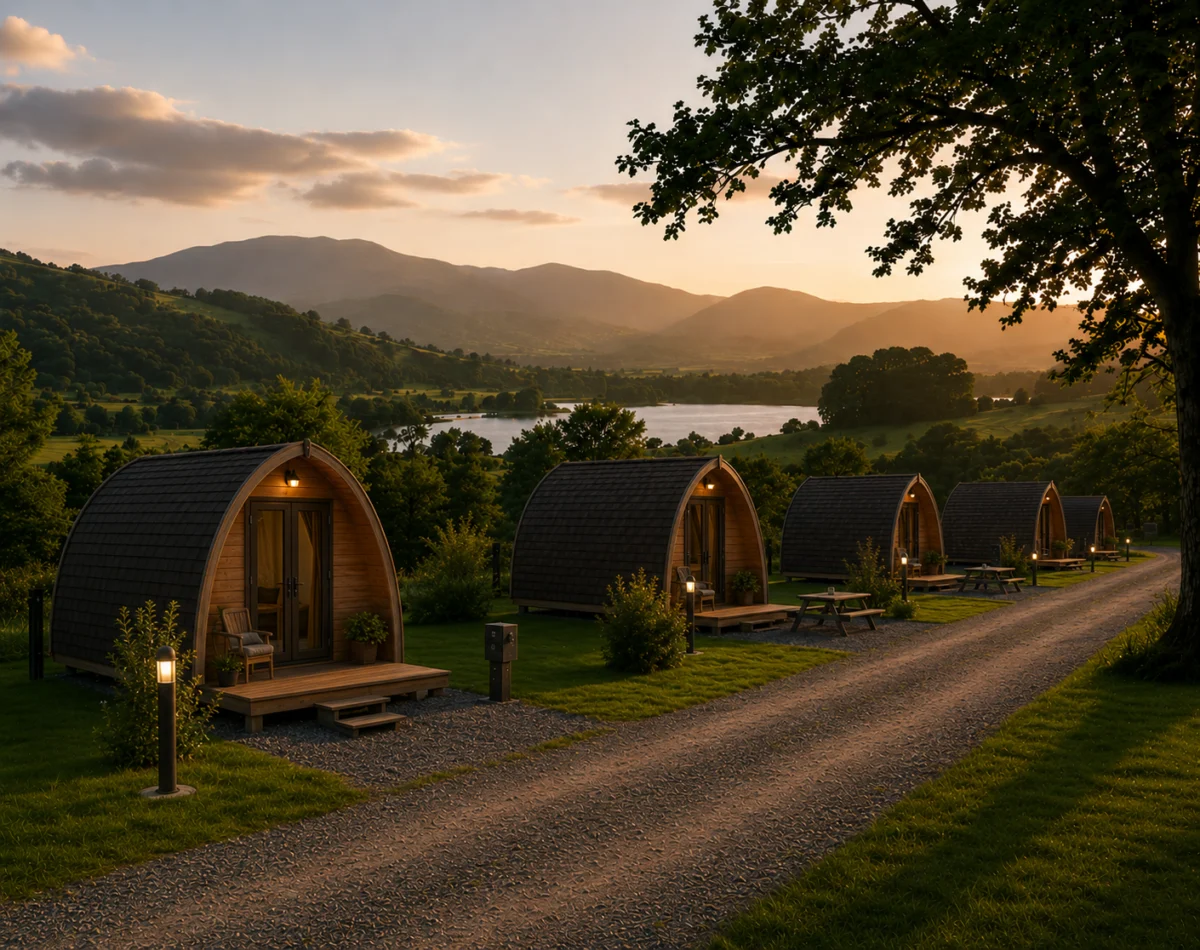
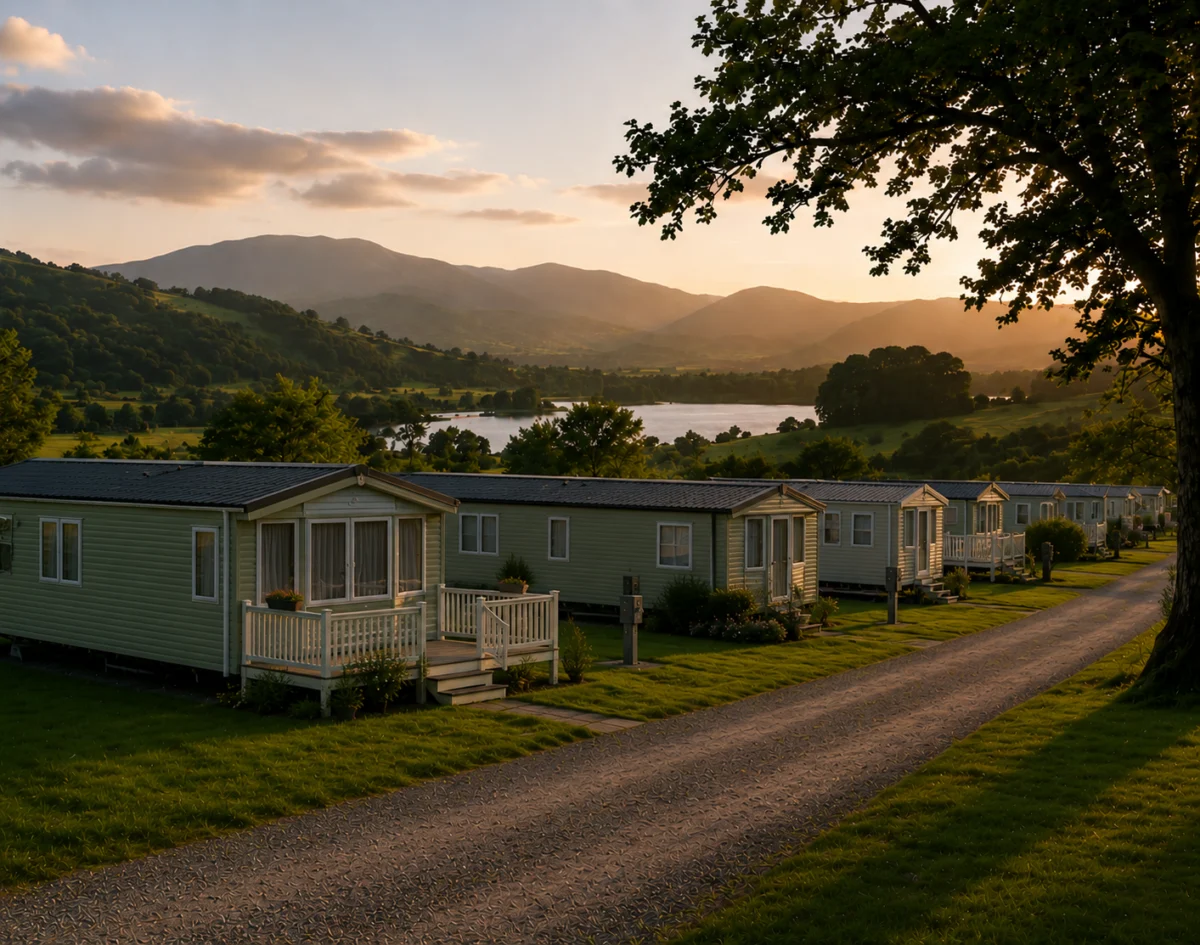
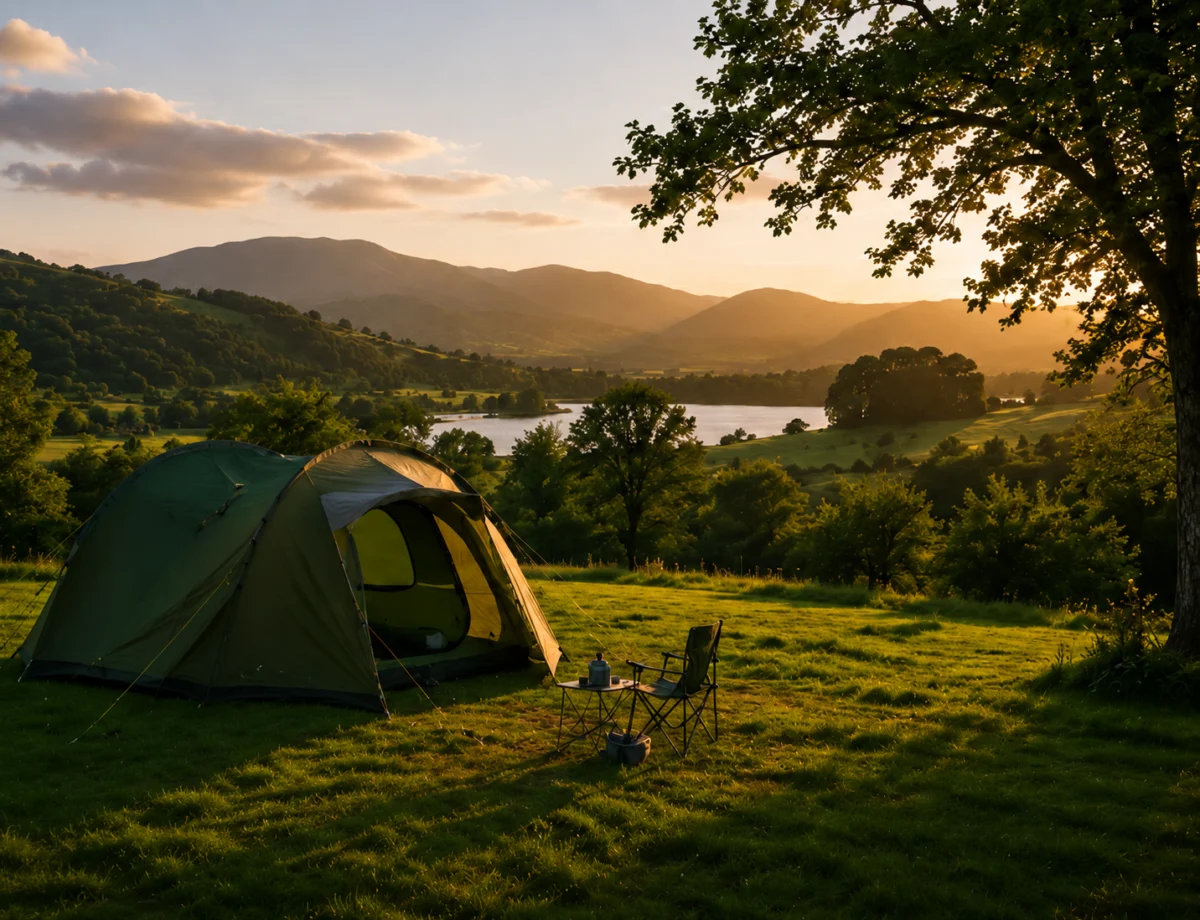
Before looking at any software, write down how your site operates: how many pitches and of what types, your seasons and price bands, whether you take deposits, how guests currently book, and which OTAs send you business. This requirements list is what you will score every system against.
Step 2: UK-built or a US platform?
A lot of booking software is built for US campgrounds and RV parks. For a British site, a UK-built system usually fits better: GBP pricing through Stripe, GDPR handled properly, support in your time zone, and integrations with Pitchup, Hipcamp and Booking.com rather than US-only channels. You can compare any tool against the Campsite Booking System feature set.
Step 3: How do you compare shortlisted systems fairly?
Demo each one with the same real scenario from your own site — a bank-holiday weekend with mixed pitch types, a deposit and a balance payment. A system that handles your trickiest week cleanly will handle the rest. Watch how easily a warden could use it on the gate, too.
Step 4: What should you check before you sign?
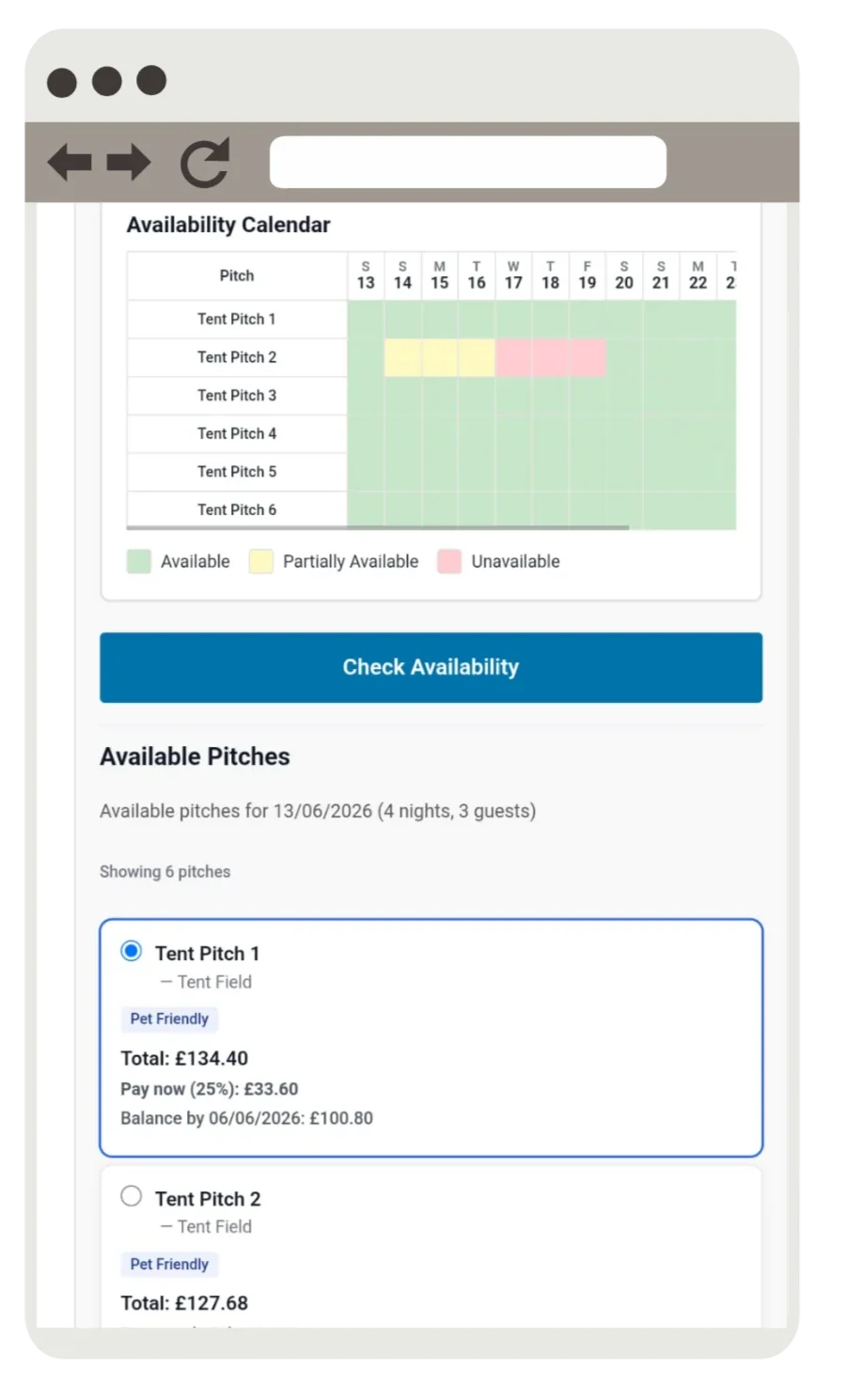
Read the pricing carefully. Confirm there is no commission on direct bookings, check what happens to your data if you leave, and ask how migration from your current diary or system works. When you are ready, try the live Campsite Booking System demo with your own numbers.
Frequently asked questions
How do I choose the right campsite booking system?
Start from your own requirements — pitch types, seasons, deposits and the OTAs you use — then demo each shortlisted system with a real scenario from your site and check the contract for commission on direct bookings before committing.
What should I look for in campsite booking software?
Look for commission-free direct bookings, sync with the OTAs you actually use, seasonal and per-pitch pricing, deposit and balance handling, UK support, and a warden view that is simple enough to use on the gate.
Should I pick UK or US campsite booking software?
For a UK site, a UK-built system usually fits better, with GBP pricing via Stripe, GDPR handled correctly, support in your time zone and integrations with Pitchup, Hipcamp and Booking.com.
How long does it take to set up a campsite booking system?
It varies, but a well-built system can be configured in days rather than weeks. The main work is entering your pitches, seasons and prices, then connecting your payment provider and OTA channels.